Selected work

AR Layers: a playful AR app

A mobile app where anyone can create their own AR layer and fill it with items, colorful capsules seen through the camera. Use it for a virtual treasure hunt, or let a business place an item near its store and give a discount to whoever finds it.

  • Consumer app
  • Product design
Role
UX/UI designer
Years
August 2022 to June 2023
Scope
App screens, an interactive prototype, the logo and a visual language
Worked with
The two founders and two developers
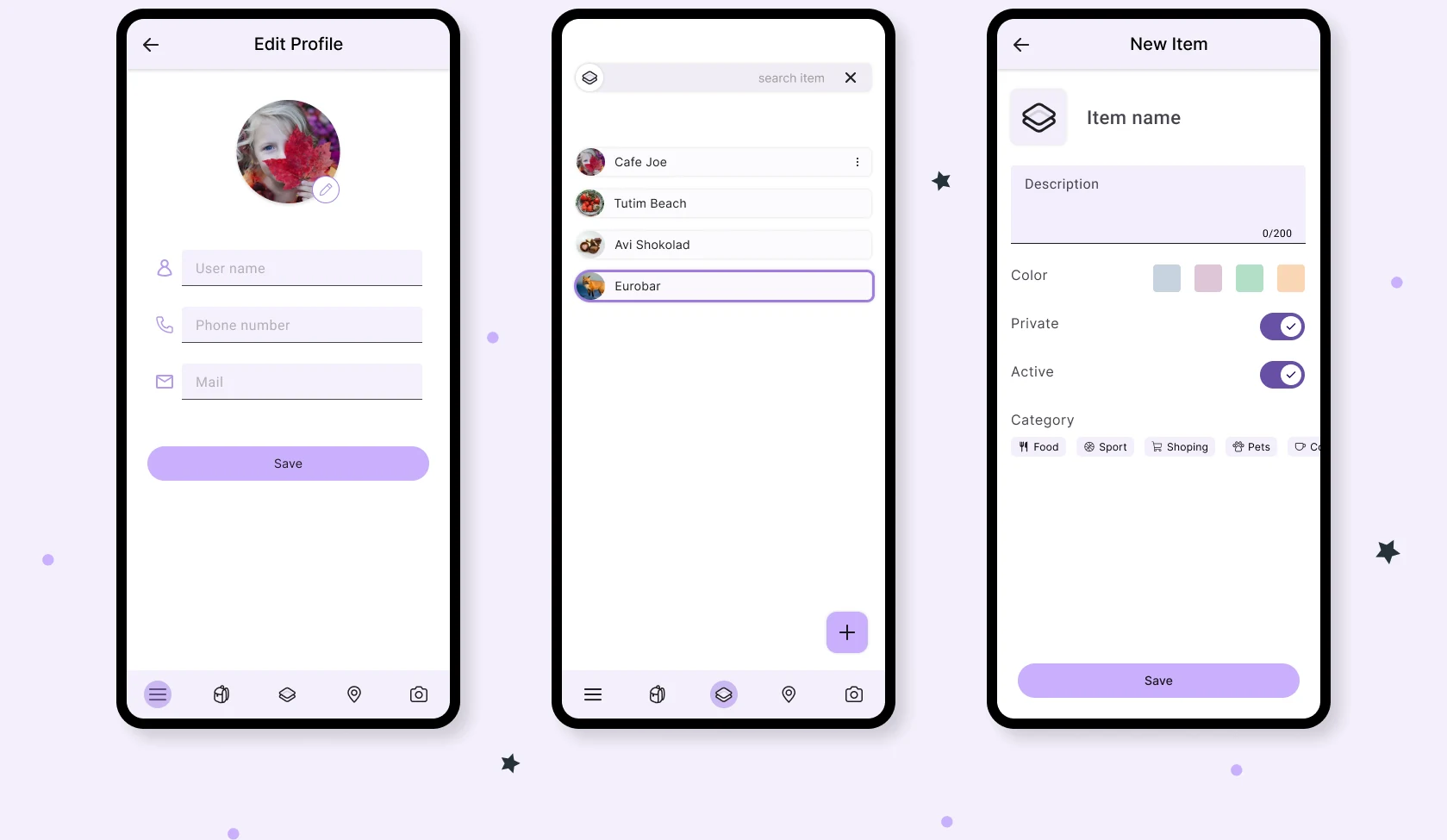
Three AR Layers app screens in phone frames: Edit Profile, a list of items (Cafe Joe, Tutim Beach, Avi Shokolad, Eurobar) and a New Item form with color, privacy and category options. A bottom bar holds profile, items, layers, location and camera.
Example screens. A bottom bar holds profile, items, layers, location and camera.

Starting point

An idea and a first brief the founders had drawn in Figma.

The app in use

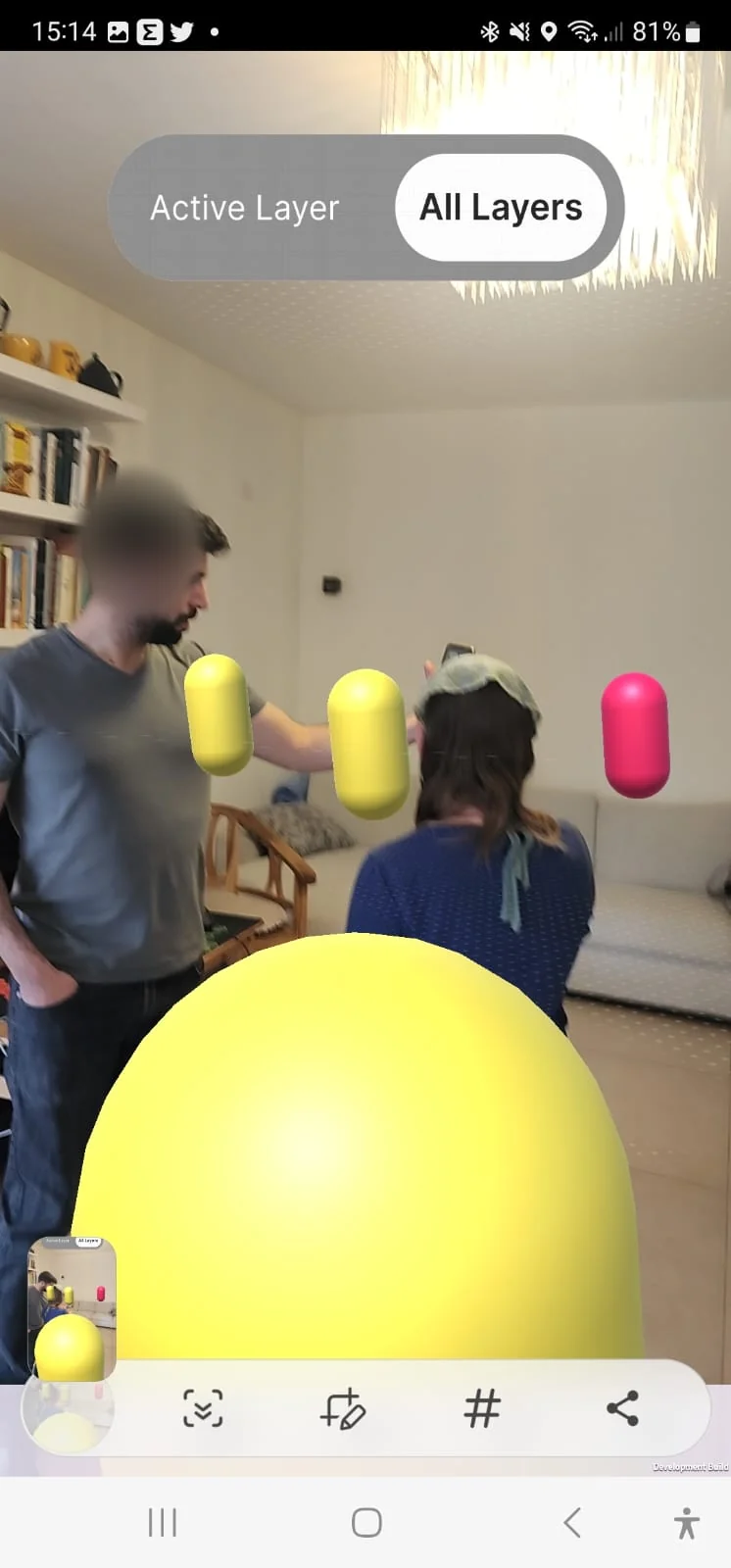
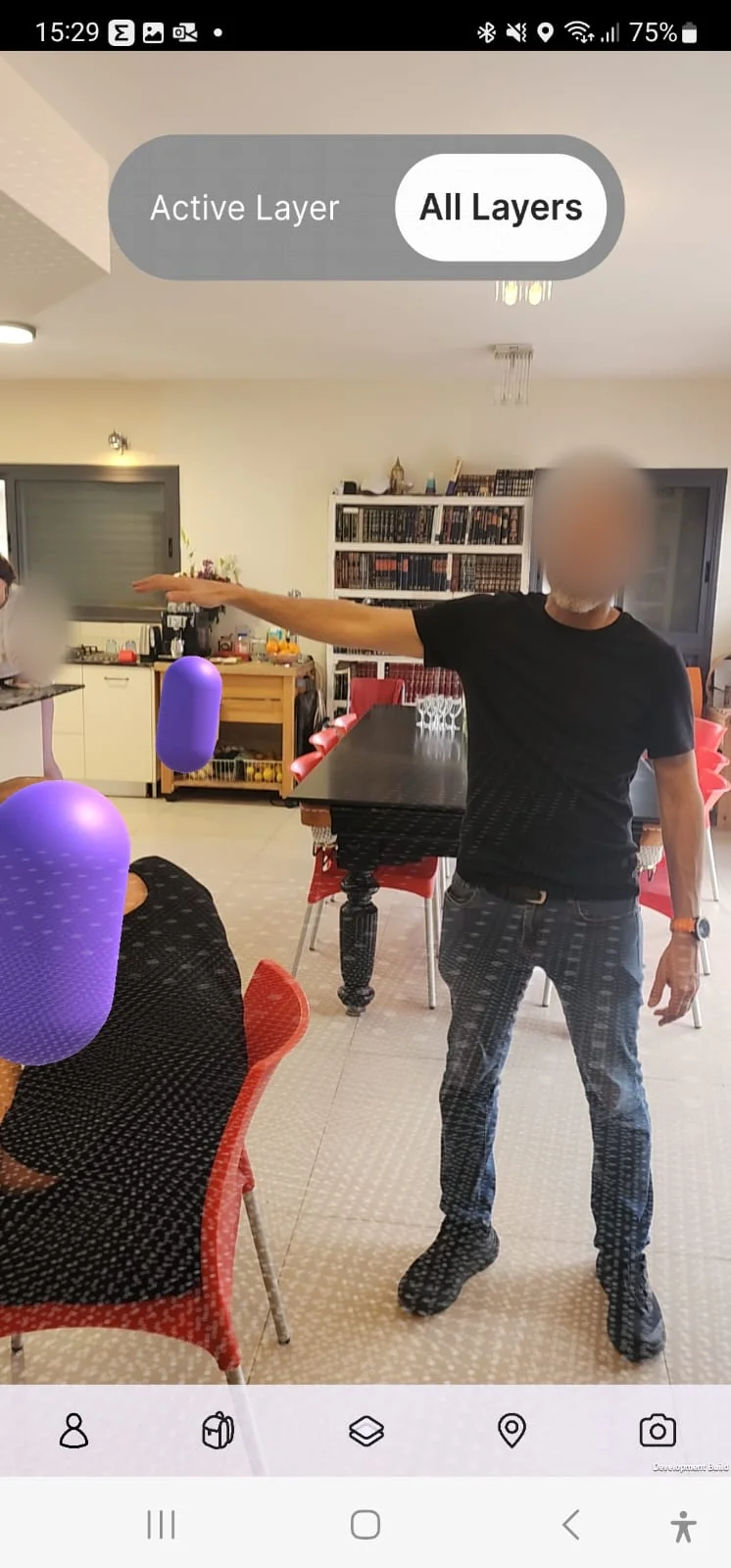
Items appear as colorful capsules placed around a real space. A switch at the top moves between the active layer and all layers.
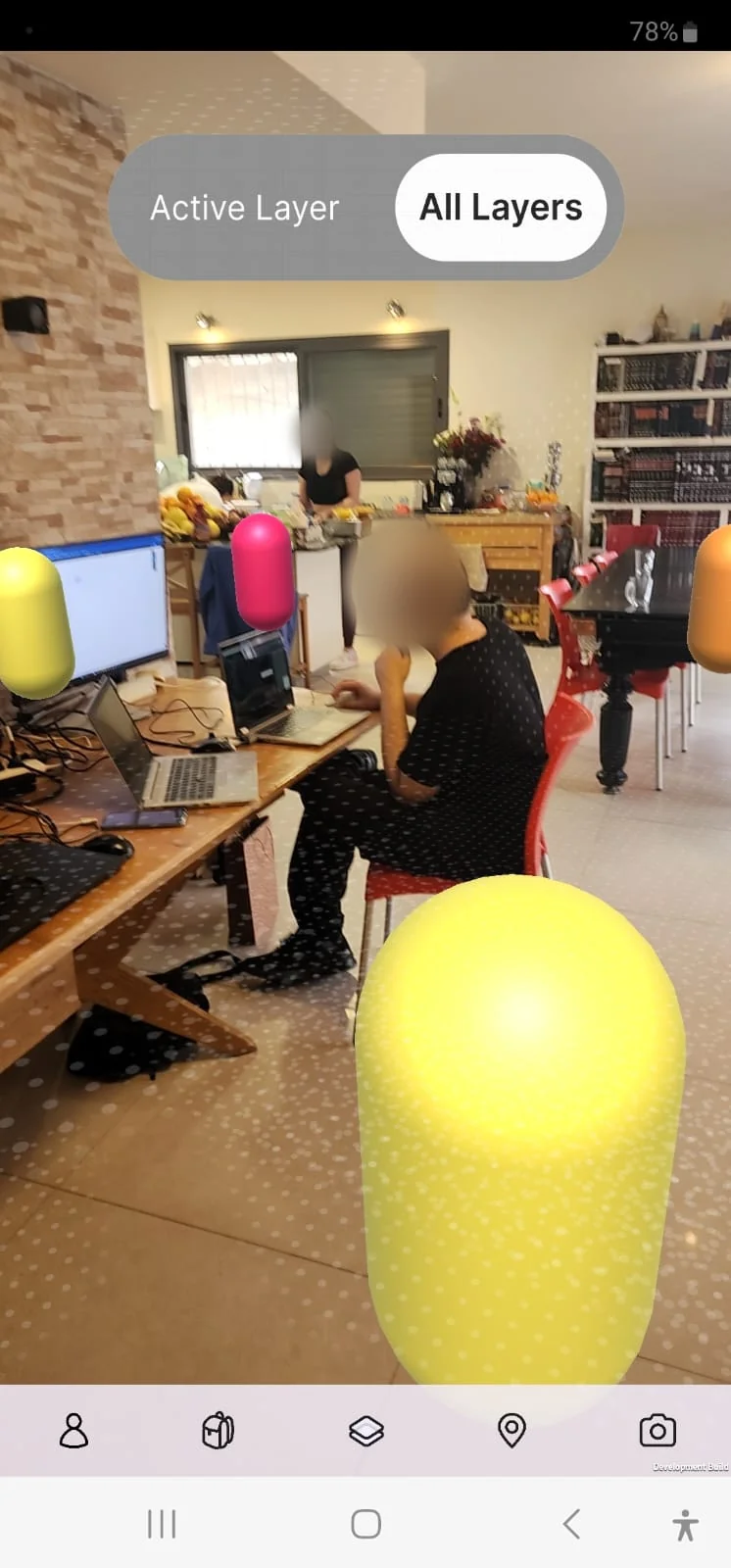
AR Layers camera view in a real room: a yellow, a pink and an orange capsule float around a desk where a person works at a laptop. A switch at the top reads Active Layer or All Layers. The person's face is blurred.
AR Layers camera view in a kitchen and dining area: a purple capsule floats near the counter and another in the foreground, with a person standing and pointing. The person's face is blurred.
AR Layers camera view with a large yellow capsule in the foreground and smaller yellow and pink capsules between two people, plus a toolbar with scan, edit, hashtag and share actions. Faces are blurred.

What I designed

  • A bottom bar. One persistent bar for profile, items, layers, location and camera, so every part of the app is a single tap away.
  • A playful purple language. Soft purple, rounded shapes and friendly illustrations, to suit an app about finding colorful things around you.
  • Illustrated empty states. Lost connection, nothing here yet and something went wrong, each with a clear next action.
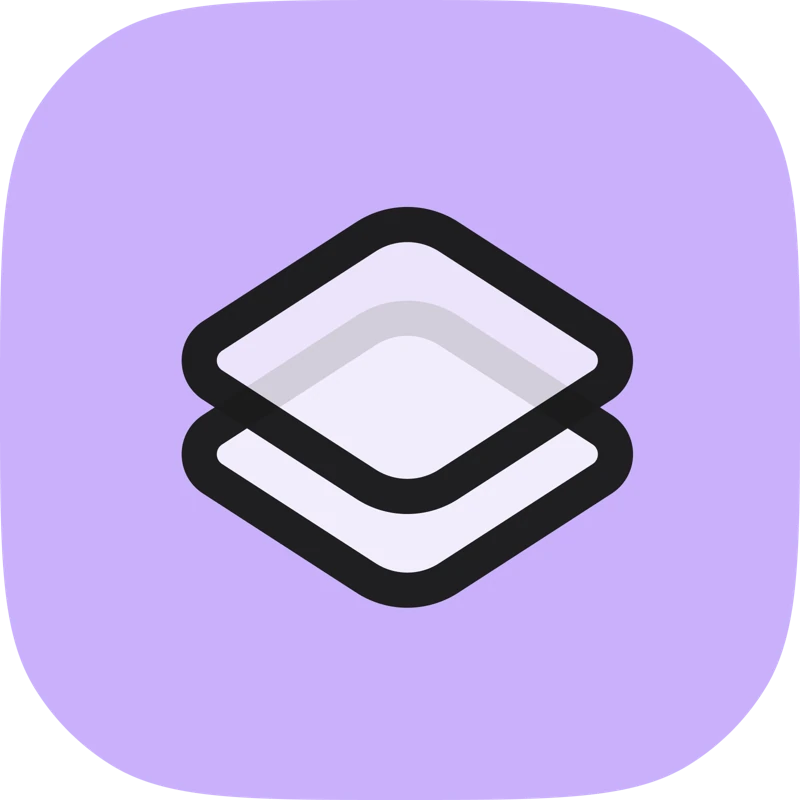
  • A logo of two stacked layers. It reads as the idea of a layer on top of the real world, and works as the app icon.

Empty states
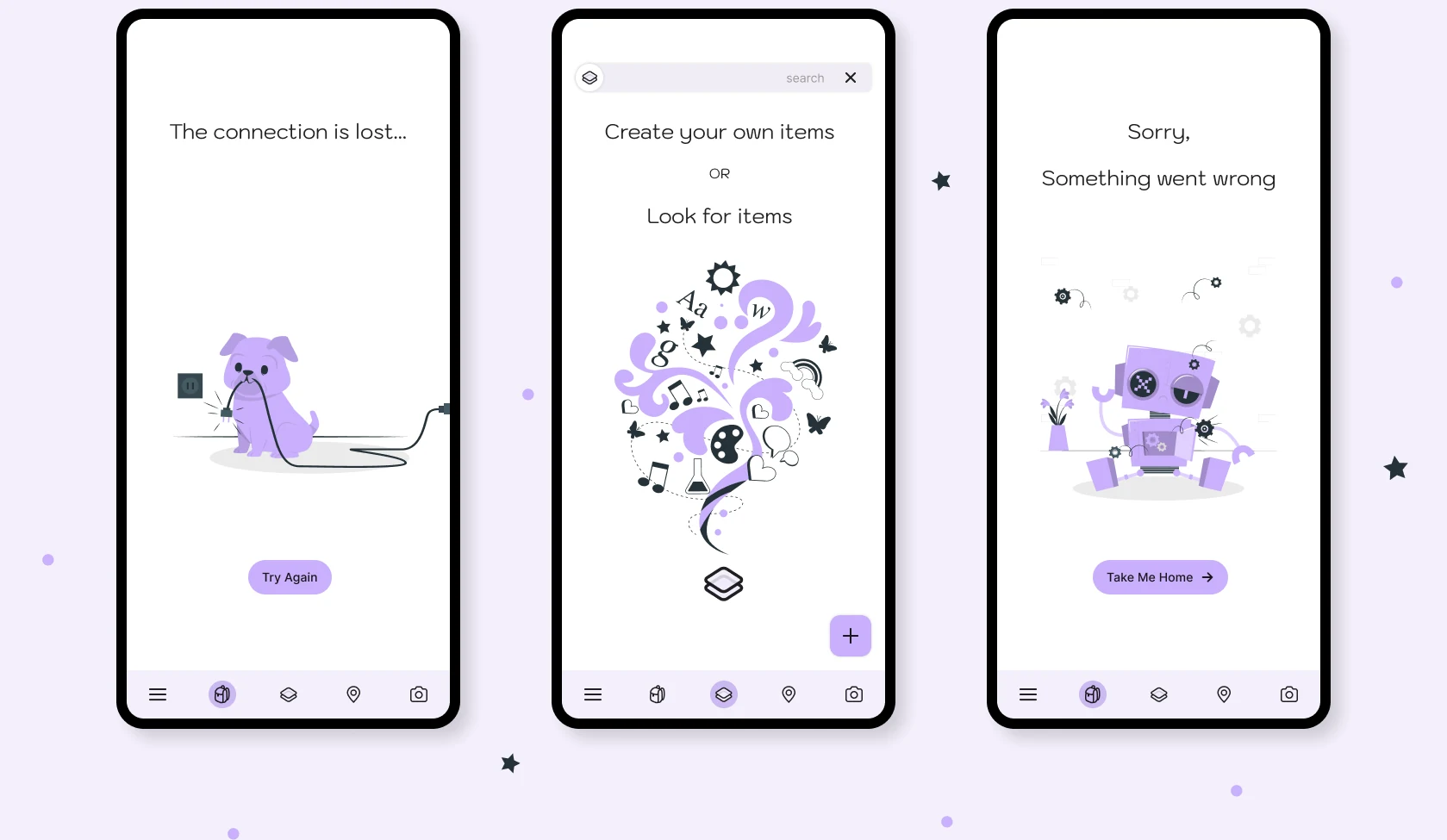
Three empty-state screens in phone frames: a purple dog chewing a power cord with the text The connection is lost and a Try Again button; a swirl of icons with the text Create your own items or Look for items; and a purple robot with the text Sorry, something went wrong and a Take Me Home button.

App icon

The AR Layers app icon: two stacked translucent layers with a dark outline on a soft purple rounded square.

Where it stands

No longer active.